P09 · difficulty 2/3 · 2–3 hours over one or two sessions
Three-object still life
Combine cropping, proportion, value planning, color matching, and edge control.
Prepare for this project
Optional project after Module 11 · Complete paintings.
Prerequisite lessons
- 04.05 · Paint a monochrome mug
- 06.04 · Scale a recipe for a fruit study
- 10.01 · Crop the reference
- 10.02 · Find large shapes and negative space
- 10.03 · Measure proportions and transfer a grid
- 10.04 · Make value thumbnails and choose a focal point
- 11.02 · Ground, draw, and block in
- 11.03 · Refine color, form, and edges
Skills you will practise
- Arrange overlaps and transfer proportions
- Mix shared shadow colors
- Develop several forms around one focal object
Prepare the surface and paint
- Surface
- 24 × 30 cm or similar
- Brushes and tools
- Large flat, medium filbert, medium round, small round.
- Drying breaks
- Allow at least 1 break; test the scrap swatch before another layer.
Choose five to seven paints through the inventory resolver. The supplied set can use Titanium White, Lemon Yellow, Vermilion, Crimson Red, Ultramarine, Burnt Sienna, and Yellow Ochre.
Your project palette
Choose your paints to match these roles to your own tubes. You can also follow the listed palette above.
Make the value plan first
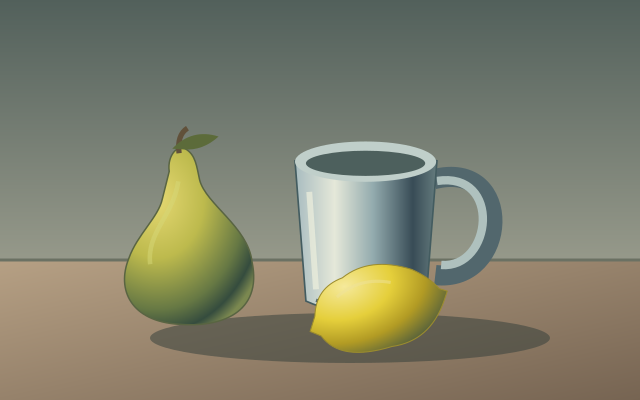
Use the supplied reference as framed, or use your own photo. Open it in the Value Lab and choose 3 values to see the large light, middle and dark shapes.
Open Value Lab · Make a painting sheet
Check your dry light, middle and dark swatches against the plan.
Numbered stages
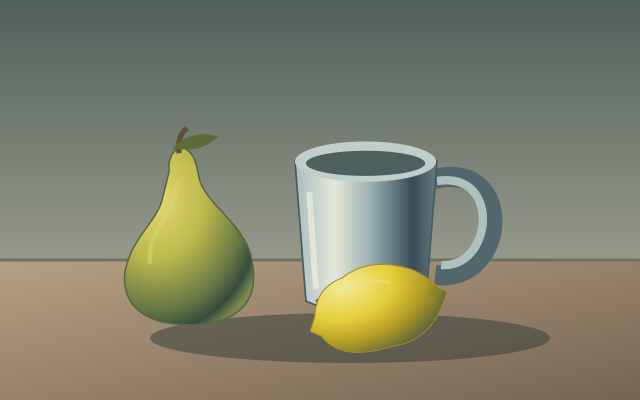
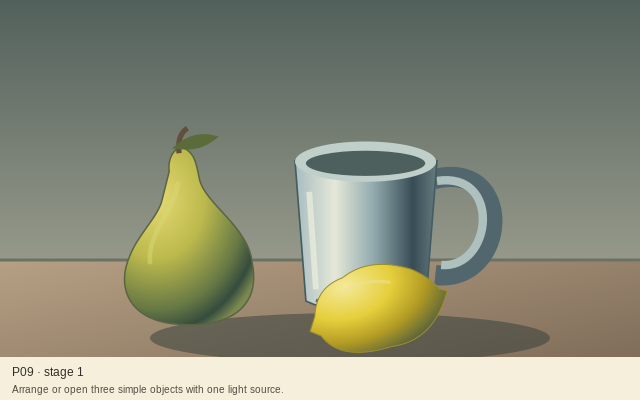
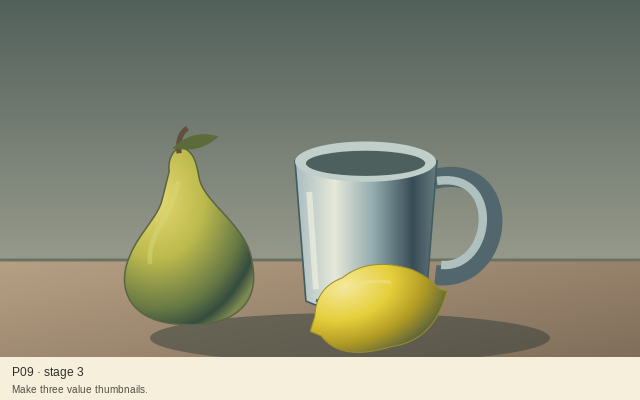
- Arrange or open three simple objects with one light source.
Mixture, brush and checkpoint
Mixture: No paint yet. Choose objects with different heights and one shared light source.
Tool and motion: Three simple objects and one lamp: arrange overlaps and a shared tabletop before painting.
Check: All objects receive light from the same direction.
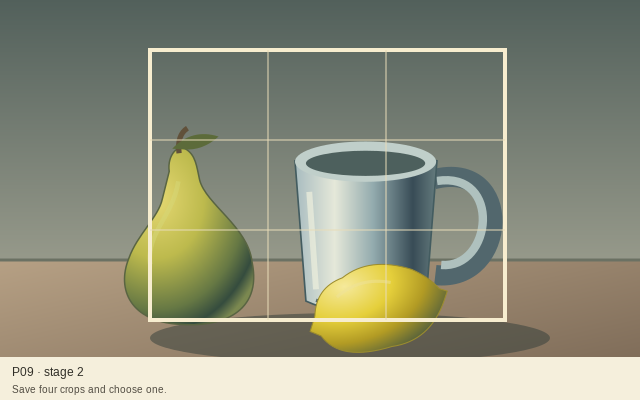
- Save four crops and choose one.
Mixture, brush and checkpoint
Mixture: No new mixture. Compare four crops before choosing the format.
Tool and motion: Composition Lab: save four crops and compare their small thumbnails.
Check: The selected crop has space around its focal object without accidental edge contacts.
- Make three value thumbnails.
Mixture, brush and checkpoint
Mixture: Use three neutral values for the thumbnails, mixed from Ultramarine, Sienna and white.
Tool and motion: Pencil or medium flat with three tones: make three 5 cm value plans.
Check: Each thumbnail reads with only three large values.
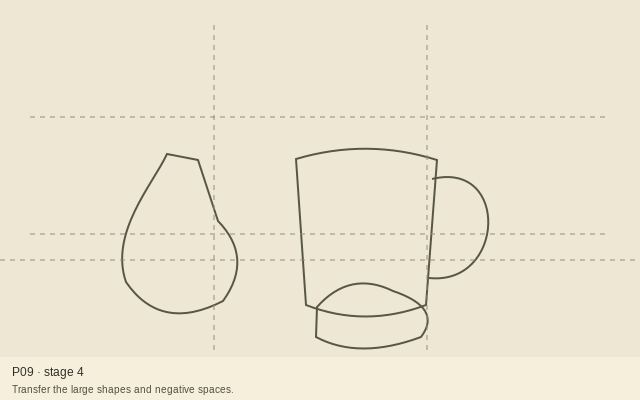
- Transfer the large shapes and negative spaces.
Mixture, brush and checkpoint
Mixture: Use light pencil or a thin earth outline. Preserve the main negative spaces.
Tool and motion: Light pencil: transfer widths, heights and the main negative spaces using the chosen grid if needed.
Check: Widths, heights and gaps agree with the reference grid.
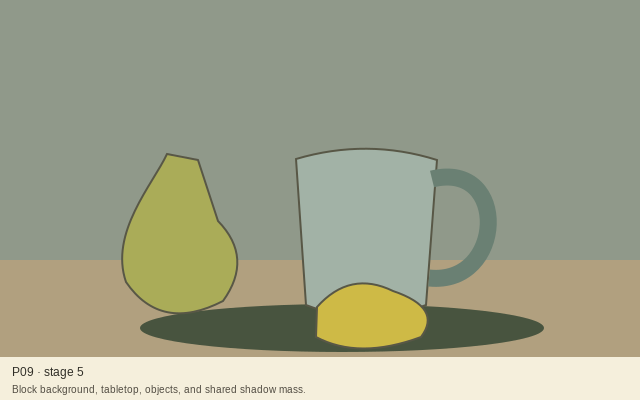
- Block background, tabletop, objects, and shared shadow mass.
Mixture, brush and checkpoint
Mixture: Premix one light, middle and dark for each object. Use one shared blue-earth shadow family.
Tool and motion: Large flat: block background, tabletop, object silhouettes and the connected shadow family.
Check: All three objects sit on one tabletop with a shared shadow relationship.
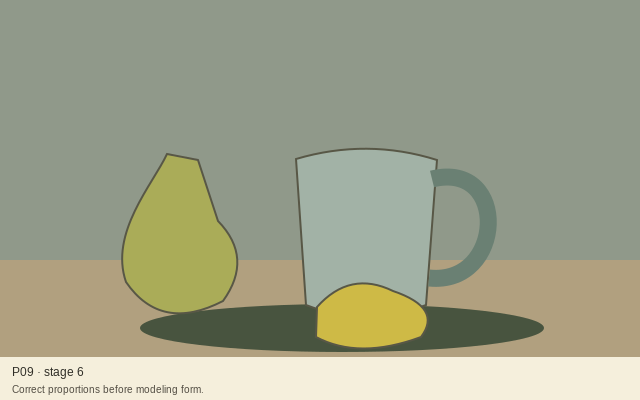
- Correct proportions before modeling form.
Mixture, brush and checkpoint
Mixture: Use neighboring background or tabletop mixtures to repair outer shapes.
Tool and motion: Medium flat: cut back silhouettes with neighboring colors before adding internal detail.
Check: Silhouettes are corrected before internal details.
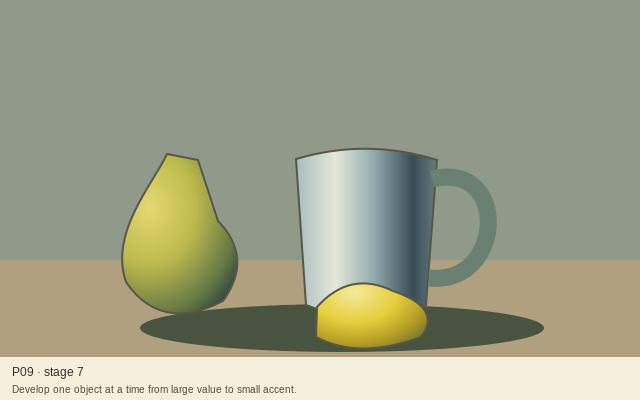
- Develop one object at a time from large value to small accent.
Mixture, brush and checkpoint
Mixture: Use each object’s prepared local, light and shadow piles. Refine one large form before small accents.
Tool and motion: Medium filbert: model each object with broad form-following light, middle and shadow transitions.
Check: Each object reads as solid in grayscale.
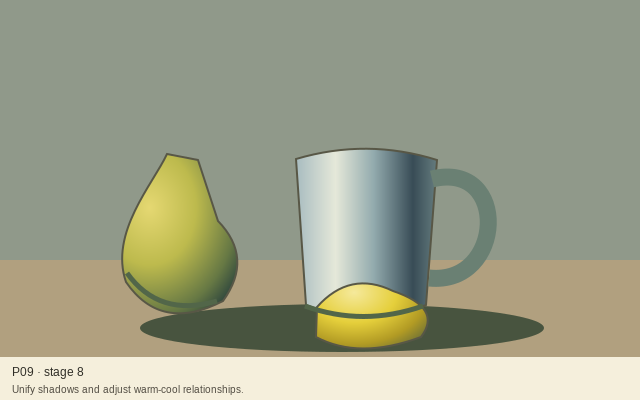
- Unify shadows and adjust warm-cool relationships.
Mixture, brush and checkpoint
Mixture: Link shadow piles with the same neutral dark; shift temperature by quarter-parts in a test portion.
Tool and motion: Medium filbert: connect shadow shapes, then add restrained warm/cool shifts with separate clean loads.
Check: The shadow family stays connected across the whole arrangement.
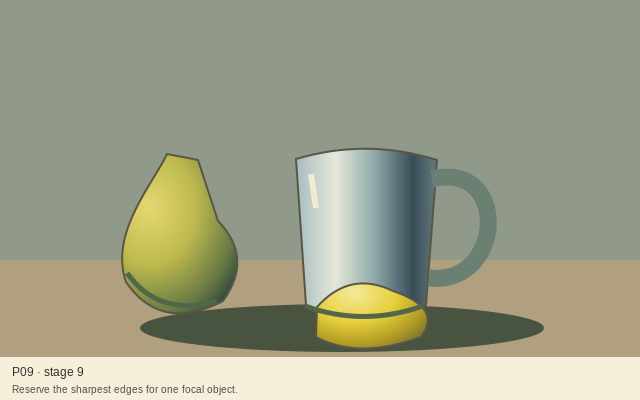
- Reserve the sharpest edges for one focal object.
Mixture, brush and checkpoint
Mixture: Use the highest contrast only on the focal object; soften other boundaries with their neighboring mixtures.
Tool and motion: Clean damp filbert for soft edges; medium round for a few sharper focal boundaries.
Check: One object has the sharpest edges and strongest contrast.
- Make three final corrections and photograph the result.
Mixture, brush and checkpoint
Mixture: Use only the mixtures needed for the three listed corrections, then stop and photograph the dry work.
Tool and motion: Brush matched to each of three listed corrections, then camera square to the dry painting.
Check: The photograph is square to the surface and the journal lists three concrete corrections.
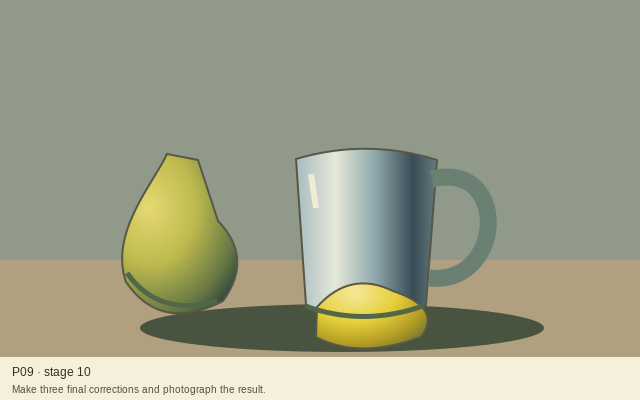
Checkpoint pictures
Check the painting
All three objects sit on the same surface and the composition reads before details.
Repairs
- Separate sticker-like objects: connect them through shared shadows and background relationships.
- Competing focal points: soften edges and reduce contrast on two objects.
- Wrong proportions: correct silhouettes with neighboring colors.