P10 · difficulty 2/3 · 2–3 hours
Simple landscape with depth
Create distance with value compression, color temperature, scale, and edge softness.
Prepare for this project
Optional project after Module 11 · Complete paintings.
Prerequisite lessons
- 05.05 · Compare warm and cool mixtures
- 07.03 · Make a wet-on-dry transition
- 09.04 · Paint a tree-and-rock study
- 10.01 · Crop the reference
- 10.04 · Make value thumbnails and choose a focal point
- 11.02 · Ground, draw, and block in
- 11.03 · Refine color, form, and edges
Skills you will practise
- Plan near, middle and far shapes
- Separate depth with contrast and edges
- Judge a painting at thumbnail size
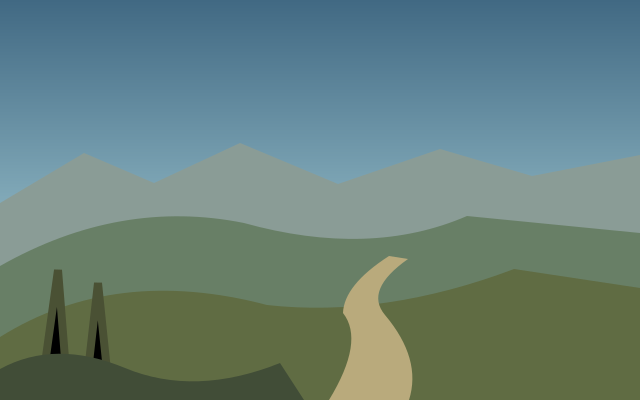
Prepare the surface and paint
- Surface
- 24 × 30 cm landscape format
- Brushes and tools
- Large flat, medium filbert, medium round, palette knife optional.
- Drying breaks
- Allow at least 1 break; test the scrap swatch before another layer.
Titanium White, Lemon Yellow, Yellow Ochre, Burnt Sienna, Ultramarine, Phthalo Blue, optional Viridian.
Your project palette
Choose your paints to match these roles to your own tubes. You can also follow the listed palette above.
Make the value plan first
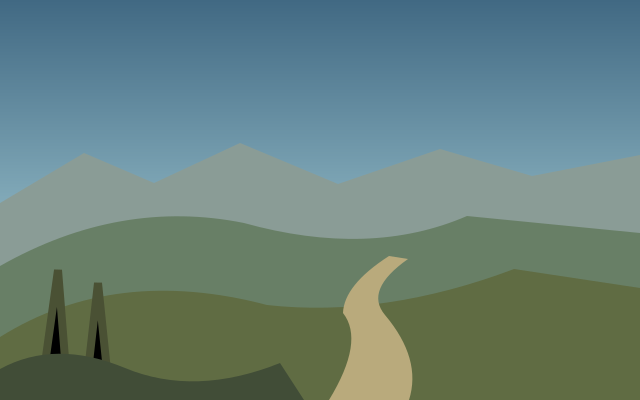
Use the supplied reference as framed, or use your own photo. Open it in the Value Lab and choose 3 values to see the large light, middle and dark shapes.
Open Value Lab · Make a painting sheet
Check your dry light, middle and dark swatches against the plan.
Numbered stages
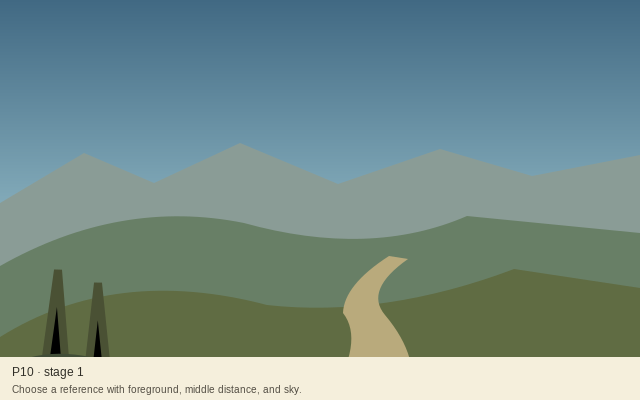
- Choose a reference with foreground, middle distance, and sky.
Mixture, brush and checkpoint
Mixture: No paint yet. Choose a reference with clear near, middle and far planes.
Tool and motion: Reference Desk: choose a source with distinct near, middle and far planes.
Check: The source contains a clear foreground, middle distance and sky.
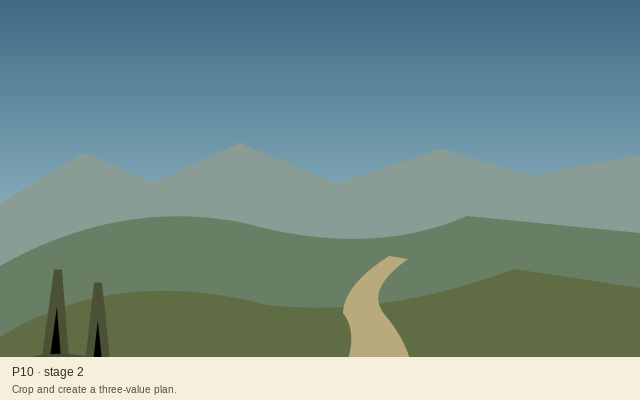
- Crop and create a three-value plan.
Mixture, brush and checkpoint
Mixture: Use three neutral values for a small plan before mixing full color.
Tool and motion: Composition and Value Labs: crop to the canvas ratio and save a three-value plan.
Check: The three-value plan separates the depth planes.
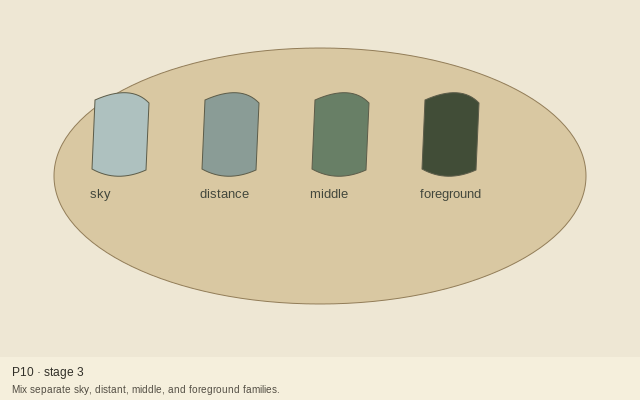
- Mix separate sky, distant, middle, and foreground families.
Mixture, brush and checkpoint
Mixture: Sky/far: White 4 + Ultramarine 1/4. Middle: Yellow 3 + Ultramarine 1 + Sienna 1/2. Foreground: middle green with neutral dark.
Tool and motion: Palette knife: prepare separate sky, distant, middle and foreground families with dry-test swatches.
Check: The far piles are lighter and quieter than the near piles.
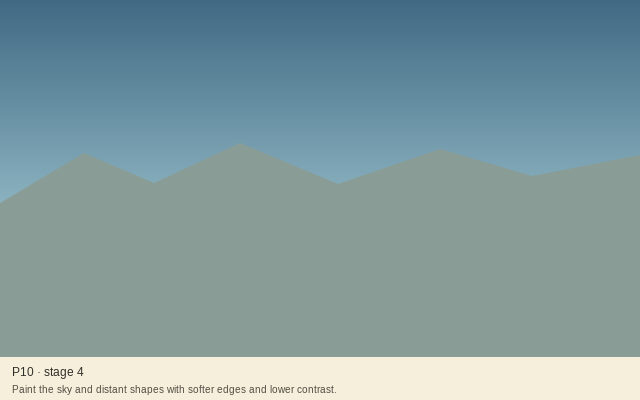
- Paint the sky and distant shapes with softer edges and lower contrast.
Mixture, brush and checkpoint
Mixture: Use the sky and distant piles. Keep distant mixtures closer in value than foreground mixtures.
Tool and motion: Large flat: place sky and distant masses; feather far edges lightly while still workable.
Check: Distant edges are softer and their value range is compressed.
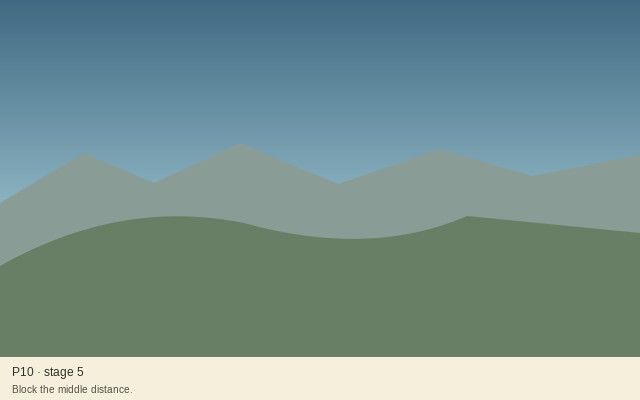
- Block the middle distance.
Mixture, brush and checkpoint
Mixture: Use the middle-distance pile, with less contrast than the nearest shapes.
Tool and motion: Large flat or medium filbert: block the middle distance with grouped shapes.
Check: The middle plane overlaps the far plane without matching foreground contrast.
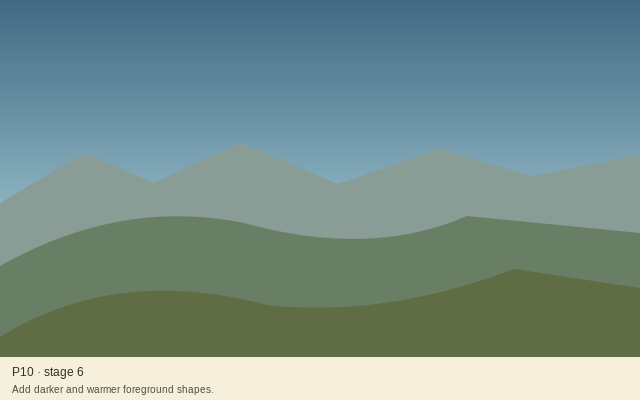
- Add darker and warmer foreground shapes.
Mixture, brush and checkpoint
Mixture: Use the darker foreground green and a small Sienna/Ochre addition for warmth.
Tool and motion: Medium filbert or flat: place darker warmer foreground masses with more definite edges.
Check: The foreground is darker, warmer and more definite than the distance.
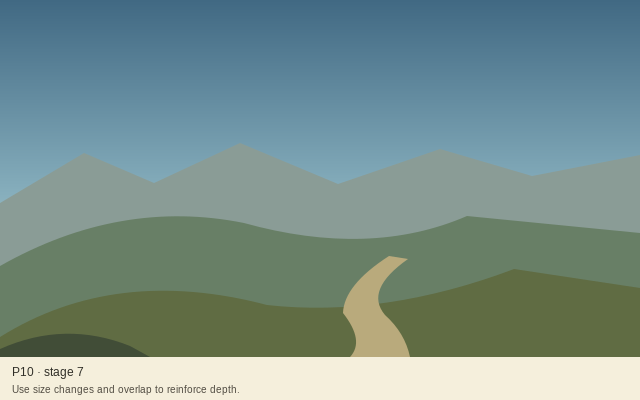
- Use size changes and overlap to reinforce depth.
Mixture, brush and checkpoint
Mixture: Use existing plane mixtures; avoid adding extra contrast to the distance.
Tool and motion: Medium flat: state overlaps and larger near shapes before adding small detail.
Check: Overlaps and smaller distant shapes reinforce depth.
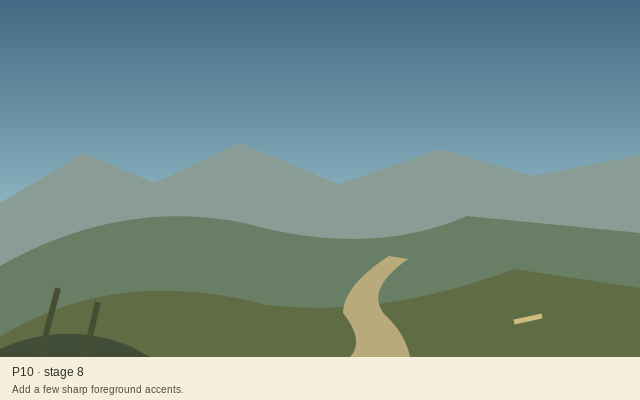
- Add a few sharp foreground accents.
Mixture, brush and checkpoint
Mixture: Use a small amount of the darkest neutral and one selected light for near accents.
Tool and motion: Small round or palette-knife edge: place only a few near focal accents.
Check: Sharp accents stay in the near focal region.
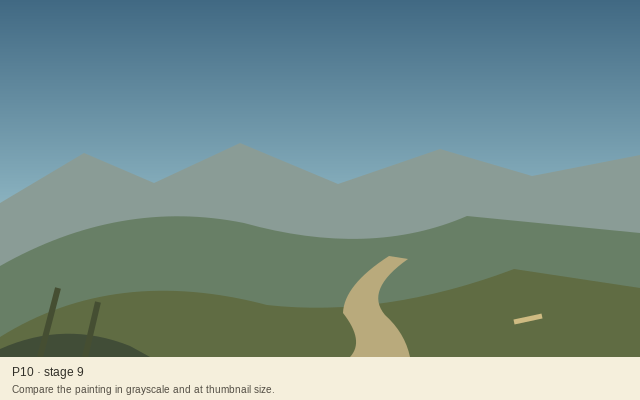
- Compare the painting in grayscale and at thumbnail size.
Mixture, brush and checkpoint
Mixture: No new mixture until grayscale and thumbnail comparisons identify a large difference.
Tool and motion: Value Lab or Reference Desk: compare grayscale and thumbnail views before making another mark.
Check: The landscape still shows depth in grayscale at 160 pixels wide.
Checkpoint pictures
Check the painting
The distant area is lighter, quieter, and softer than the foreground.
Repairs
- Flat distance: reduce contrast and cool or lighten the far shapes.
- Foreground cutout: soften selected edges and connect values.
- Busy horizon: merge small marks into larger distant masses.