Exit Painting Mode · Lemon or apple color match
Stage 1 of 9
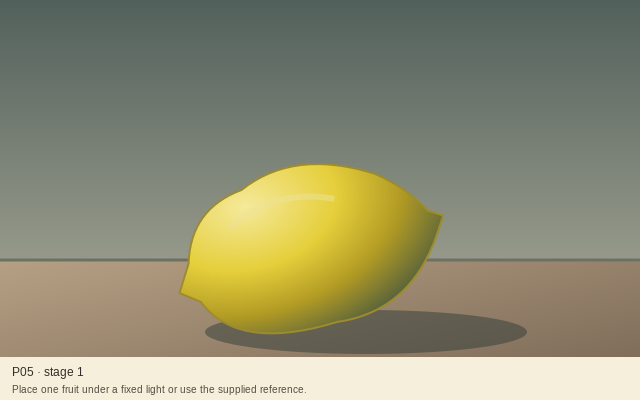
Place one fruit under a fixed light or use the supplied reference.
- Paint mixture
- No paint yet. Keep the fruit and lamp fixed for the whole session.
- Brush / tool
- One fruit, one lamp and a fixed reference position: do not move them during the session.
- Stop and check
- One side of the fruit is lit and one is in shadow.
Your owned paint matches
Use the listed project colors or choose your tubes in the Paint Box.
Reference and keyboard controls
Left / Right: stages. Space: next stage. F: full screen. Escape: leave full screen or return to the project.
Record painting and corrections in your journal