Exit Painting Mode · Warm-and-cool pear
Stage 1 of 8
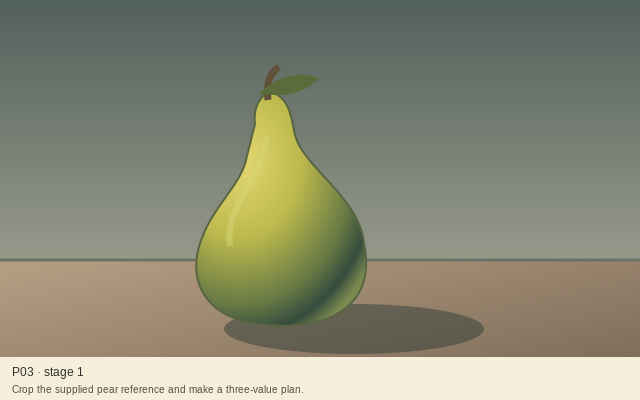
Choose a three-value plan for the pear.
- Paint mixture
- Use the supplied reference as framed and the value plan on the project page. For a photo of your own pear, frame it with room for its stem and cast shadow and choose 3 values in Value Lab.
- Brush / tool
- Sketch the large light, middle and dark shapes on a small scrap.
- Stop and check
- The thumbnail shows the pear and its shadow as distinct large shapes.
Your owned paint matches
Use the listed project colors or choose your tubes in the Paint Box.
Reference and keyboard controls
Left / Right: stages. Space: next stage. F: full screen. Escape: leave full screen or return to the project.
Record painting and corrections in your journal