Lesson 06.01 · Match colors you see · 10 minutes
Choose a color to match
You will learn to describe a target and pick a starting mixture from dry physical comparisons.
Review 05.05 · Compare warm and cool mixtures if you need it.
See it
Read
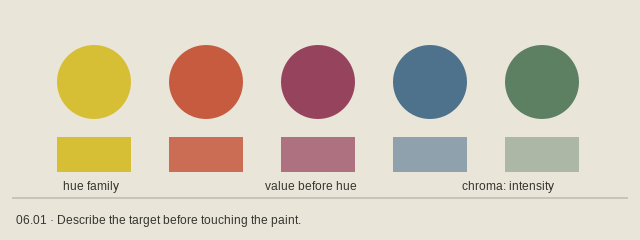
A real object has many colors because light, shade, and reflections change its appearance. Pick one middle patch to match first. Describe its hue (the color family), value (lightness), and chroma (how vivid it is). Compare warm and cool only between related samples. Work under one light so your target and paint samples are judged in the same conditions.
Try it
Optional screen activity · Reference Desk: color target
Paint it
Gather your materials
- An apple, lemon, or simple matte household object
- Plain paper or card, scissors, pencil, and your dry swatch charts
- One steady lamp or steady daylight
All exercise steps
- Put the object against a plain background under one light. Choose a broad patch between the brightest spot and the shadow. Keep that patch facing you throughout the next three lessons.
- Cut a hole about 1 cm across in plain card. Hold the card between your eyes and the object so the hole frames the patch. Move it until highlights, cast shadows, and background are out of view.
- Hold your five-value strip beside the object under the same light. Narrow your eyes until details blur. Write down the numbered swatch closest in lightness.
- Look normally again. Hold your dry color swatches beside the patch. Write its color family and whether it looks stronger or duller than the closest swatch. If two swatches are similar, note whether the target leans toward one or the other.
- Pick the closest parent paint or recorded two-color recipe. Set aside white, a darker related paint or dark neutral, and one neighboring paint for small corrections. Write down your target description and starting recipe.
Look for You have one fixed patch, a value number, a color family, a strength comparison, and a specific starting recipe.
If the result differs If your description changes each time you look, move the light or object so you can avoid a bright reflection, then keep the setup fixed.
Check
What should I be seeing?
You can show exactly which patch you are matching and explain why your first mixture is a reasonable starting point.
Fix
If none of your chart swatches are close, start from the closest color family. The next lessons correct lightness and hue on small separate samples.
Save
Save a physical swatch or painting photograph in your journal. Use the lesson number in its note.